






























































How Long Does an SMD Screen Really Last? Lifespan, Fading and When to Replace It

How Long Does an SMD Screen Really Last? Lifespan, Fading and When to Replace It
Ask any supplier how long an SMD screen lasts and you will probably hear “100,000 hours”. It sounds like a lot, and it is. But that number does not tell you when your screen will actually need replacing, especially if it sits on a rooftop in Karachi summer or runs on a feeder that trips every other day.
Here is what the number means, what wears a screen out faster than it should, and how to tell when it is time to let go of an old one.
What 100,000 hours actually means
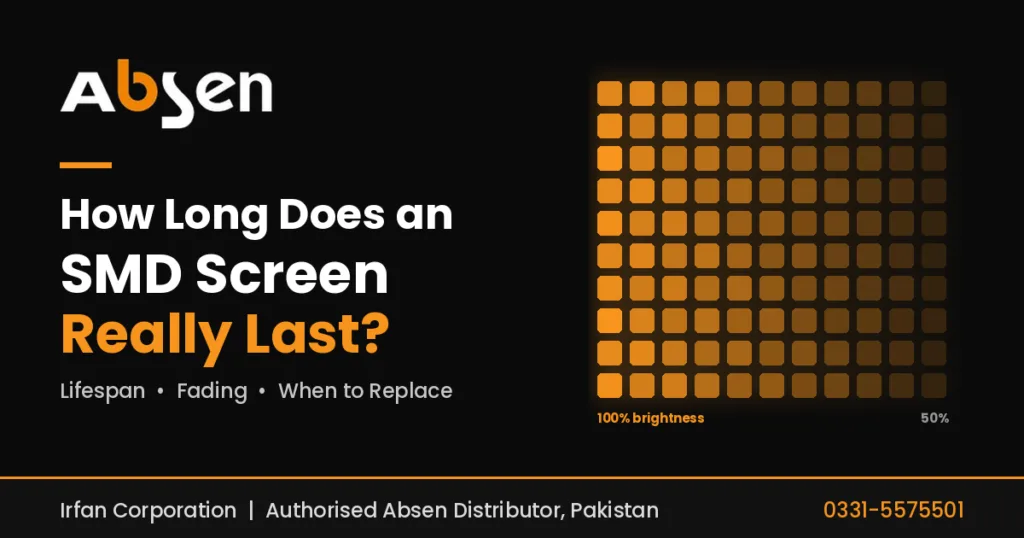
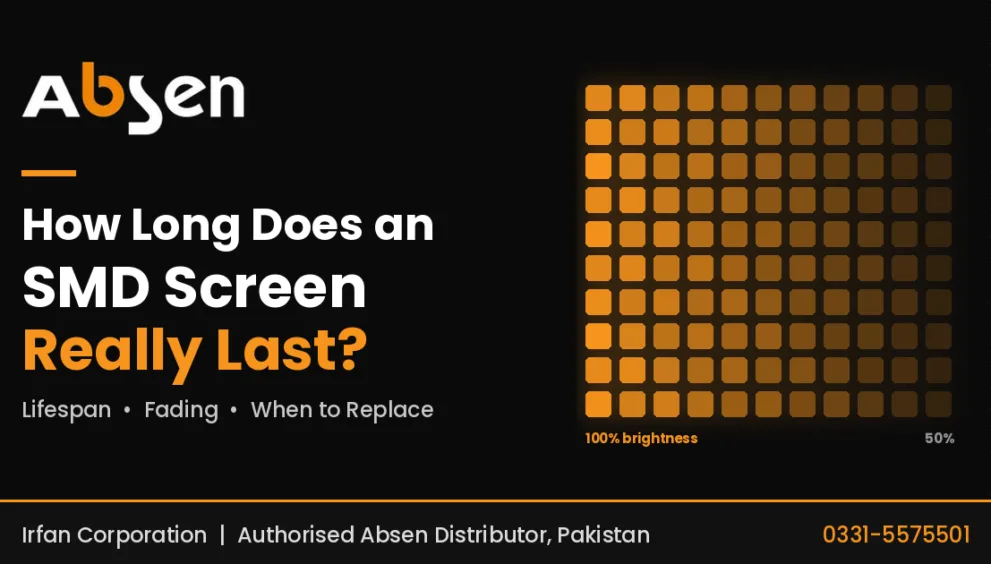
A rated life of 100,000 hours does not mean the screen switches off at hour 100,001. It means the LEDs are expected to fade to about half of their starting brightness by then, measured under the maker’s test conditions.
Two things follow from that.
First, the screen keeps working after its rated life. It just gets dimmer. Whether that matters depends on where it is. A dim screen in a meeting room might be perfectly fine, while a dim billboard facing afternoon sun is useless.
Second, the rating covers the LEDs only. The rest of the screen, meaning power supplies, receiving cards, fans, cables and the controller, has its own life, and those parts usually give trouble before the LEDs do.
Some Absen product pages state the figure directly. The Absen X Series is listed at 100,000 hours, and the Absen A25 outdoor series is listed at up to 10 years for screens that run long hours every day. You can compare the rest on the products page.
So how many years is that?
It depends entirely on how many hours a day the screen is on.
| Daily use | 50,000-hour rating | 100,000-hour rating |
|---|---|---|
| 8 hours (office, meeting room) | About 17 years | About 34 years |
| 12 hours (shop, mall) | About 11 years | About 23 years |
| 18 hours (billboard, morning to night) | About 7.6 years | About 15 years |
| 24 hours (nonstop) | About 5.7 years | About 11 years |
Treat these as a ceiling, not a promise. They cover the LEDs only, and only down to half brightness. Heat, dust, power quality and how bright you run the screen will push the real number up or down.
What brightness decay looks like
Every SMD screen loses brightness slowly as it ages. It happens so gradually that most owners never notice it month to month. What you do notice are the effects:
- You keep raising the brightness setting to get the same look you had on day one.
- Colours drift. Red, green and blue LEDs do not age at the same speed, so white can start to look slightly pink, green or yellow.
- Patches show up. Modules that ran hotter, or ones swapped in later, look brighter or darker than the ones next to them.
Calibration can even out colour and brightness across the screen, but it does this by bringing the brighter areas down to match the weaker ones. The screen ends up more uniform and a bit dimmer. It does not give back brightness that has already been lost.
What shortens screen life in Pakistan
The rated hours assume fairly reasonable conditions. Many sites here are tougher than that.
Heat. Summer temperatures, direct sun on outdoor screens and closed rooftop boxes push the temperature inside the cabinets up. Heat ages LEDs faster and is hard on power supplies.
Dust. It blocks vents and fans, which traps more heat. On outdoor screens it also settles on the face and cuts brightness.
Humidity and salt. Coastal areas and the monsoon bring moisture, which leads to corrosion on connectors and boards.
Unstable power. Voltage swings, surges and repeated load shedding cycles damage power supplies first and modules after that.
Full brightness all the time. More brightness means more current and more heat. A screen running at maximum indoors, where it isn’t needed, ages faster for no benefit.
No rest. A screen that runs 24 hours a day burns through its rated hours three times faster than one that runs 8.
Most of these are within your control. Our maintenance guide covers cleaning, cooling checks and a simple schedule, and the power consumption guide explains UPS and stabiliser sizing for voltage protection.
Simple habits that add years
- Match brightness to the place. Use an automatic brightness sensor outdoors, and bring brightness down indoors and at night.
- Switch it off when nobody is looking. Use the controller’s schedule so the screen isn’t running all night for an empty road or a closed shop.
- Keep it cool. Leave breathing space behind the screen, keep vents and fans clean, and check the air conditioning in enclosed boxes before summer starts.
- Protect the power. A stabiliser or UPS, surge protection and proper earthing make a real difference.
- Buy spares with the screen. Modules from the same production batch will match in colour and brightness. Ones bought three years later often won’t.
- Write things down. Note when modules, power supplies and cards get replaced. It shows you which parts keep failing and helps with warranty claims.
When it is time to replace the screen
There is no fixed age. What matters is how the screen is performing and what it costs to keep it going. The usual signs are:
- It is too dim even at full brightness, at the times when it matters.
- Colours are patchy and calibration no longer fixes it.
- Spare modules no longer match, either because old stock has run out or new modules from another batch stand out.
- Parts are hard to find, or take weeks to arrive.
- The same faults keep coming back and repair bills keep growing.
- The screen no longer suits the job. Viewers sit closer now, content needs more detail, or the screen flickers on camera at events.
One of these on its own usually means a repair is still worth it. If you are seeing three or four together, it makes sense to put repair costs next to the price of a new screen.
Repair, upgrade or replace?
“Upgrading” an old screen can mean several different things.
| Option | When it makes sense | What to watch |
|---|---|---|
| Replace a few modules | A few dead modules on an otherwise healthy screen | New modules may not match old ones in brightness or colour |
| Replace power supplies and cards | Faults come from power or signal parts and the LEDs still look fine | Parts must fit that cabinet model |
| Replace the controller | Screen is fine but the controller is old or failing | It must work with the existing receiving cards |
| New screen, same structure | LEDs are worn out but the steel frame and power are sound | The structure must carry the new screen’s size and weight |
| Replace everything | Screen, frame and wiring are all old, or you need a different size or pitch | Plan it like a fresh installation |
Modules from different brands, and often even different models from the same brand, are not interchangeable. If you want to keep part of an old screen, get the exact model and check compatibility before buying anything.
A replacement is also a good time to rethink pixel pitch, brightness and power use for the way the screen is used today. The installation guide covers structure and cabling checks, and the warranty guide explains what a written warranty on the new screen should cover.
Need someone to look at your screen?
If you are deciding between repairing and replacing, Irfan Corporation, the authorised Absen distributor in Pakistan, can help. Reach them through the contact page or call 0331-5575501. If you are still getting to grips with the basics, start with what is an SMD screen.
Quick answers
How long does an SMD screen last?
Good screens are usually rated at tens of thousands of hours, often around 100,000, down to half brightness. In practice they are often replaced sooner because of worn power supplies, uneven brightness or missing spare parts.
Does the screen stop working at 100,000 hours?
No. It means the LEDs have faded to about half of their starting brightness. The screen still works, only dimmer.
Does Pakistan’s heat shorten the life of a screen?
Yes. Heat speeds up LED ageing and is hard on power supplies, especially in direct sun or closed rooftop boxes. Good airflow, clean vents and sensible brightness settings help a lot.
Can I replace only some modules on an old screen?
You can, but new modules may look brighter or a slightly different colour. Use spares from the same batch where possible and ask about calibration.